20+ diagram types
Mermaid diagrams, drawn inline
Flowcharts, sequence, class, state and Gantt diagrams render where they sit in the file. No plugin, no browser tab, no internet.
NewReads what Claude Code, Codex and Cursor write
MD Reader opens any .md file and re-renders it every time your agent saves: Mermaid diagrams, highlighted code and clean typography. Native, offline and light.
Windows 10 & 11 · Microsoft Store & Gumroad · One-time purchase
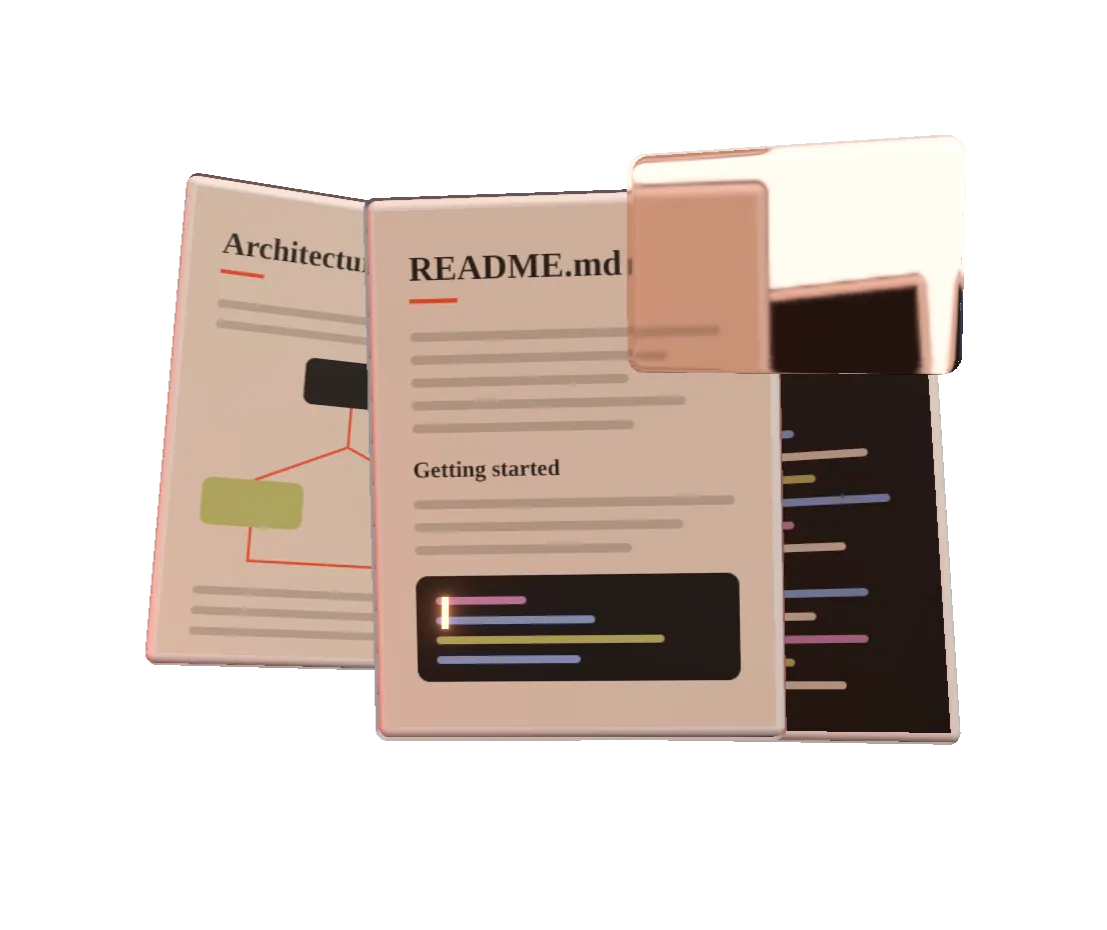
Your agent saves plan.md. MD Reader notices, re-renders in place and keeps you exactly where you were reading.
Drafted by Claude Code, 14:02
auth/export async function refresh(token: string) {
const res = await fetch("/api/refresh", { method: "POST" })
return res.json()
}Token race when two tabs refresh at once. Add a lock.
Agents don't write plain prose. They write diagrams, checklists, tables and a lot of code.
20+ diagram types
Flowcharts, sequence, class, state and Gantt diagrams render where they sit in the file. No plugin, no browser tab, no internet.
Every save re-renders instantly, and your scroll position stays put while the agent appends.
def ship(pr): return "merged"
Syntax highlighting for the languages your agent writes, with a copy button on every block.
Two carefully tuned themes. Follows Windows, or pick one.
Everything is bundled. No account, no cloud, and your files never leave your PC.
Built on the WebView2 runtime Windows already has, instead of shipping its own browser. It stays out of the way of your IDE, terminal and agents.
Drag the handle. Same file, same second.
MD Reader · plan.md
Drafted by Claude Code, 14:02
export async function refresh(token: string) {
  const res = await fetch("/api/refresh", { method: "POST" })
  return res.json()
}# Auth refactor plan
> Drafted by Claude Code, 14:02
## Steps
- [x] Move session logic into `auth/`
- [ ] Add silent token refresh
```mermaid
graph LR
A[Login] --> B{valid?}
B -->|yes| C[Dashboard]
B -->|no| D[Refresh]
```
```ts
export async function refresh(token: string) {
  const res = await fetch("/api/refresh", { method: "POST" })
  return res.json()
}
```I'm Kunal Sahu, an independent developer in India. I build native Windows tools, and my days now involve coding agents writing plans, specs and READMEs faster than I can read them in Notepad.
MD Reader is the viewer I wanted on Windows: open the file once, keep it beside the terminal, and read along as it's written, with the diagrams actually drawn. It's sold once, works offline, and every email to founder@happie.in reaches me directly.
No subscription and no account. Join the list to lock in the launch price.
MD Reader for Windows · launch price
$9.99
One-time purchase, USD. Free updates through 1.x. 14-day refund policy.
Launch emails via Buttondown. Unsubscribe anytime. Privacy
Install MD Reader, right-click any .md file, choose "Open with" and pick MD Reader (tick "Always" to make it the default Markdown viewer). You can also drag a file onto the window or use File → Open.
Yes. MD Reader is a Mermaid viewer for Windows as well as a Markdown reader: flowcharts, sequence diagrams, class diagrams, Gantt charts and the rest of the Mermaid syntax render inline, right where they appear in your document.
That's what it was built for. AI coding agents write plans, specs and READMEs as Markdown. Keep the file open in MD Reader and it live-reloads every time the agent saves, while keeping your scroll position, so you can read along as the document is written.
Completely. Rendering, diagrams and syntax highlighting are bundled with the app. There's no account, no sign-in and no cloud step, so your files never leave your PC.
MD Reader is a viewer, on purpose. Keep writing in your editor or let your AI agent do it, and use MD Reader as the clean, always-up-to-date preview beside it.
The launch price is $9.99, paid once with no subscription. It will be available on the Microsoft Store and on Gumroad, and it runs on Windows 10 and Windows 11.
If MD Reader isn't right for you, email within 14 days of a Gumroad purchase for a full refund. Microsoft Store purchases are refunded through Microsoft's own refund process, and we're happy to help.
Yes. A single license covers personal and commercial use by one person on their own Windows PCs.
It's built to stay light. MD Reader uses the WebView2 runtime that already ships with Windows instead of bundling its own copy of Chromium, so it opens quickly and stays small in memory next to your IDE and terminal.
Early access opens soon. Join the list and you'll get the $9.99 launch price and a download link on day one.